- System requirements
- Profiler architecture
- Profiler installation
- Uninstall profiler
- Running the profiler
- Profiler activation
- Welcome screen
- Start profiling
- Profiling overhead
- Snapshots
- Solving performance problems
- CPU profiling
- Thread profiling
- Object allocation profiling
- Memory profiling
- Exception profiling
- Telemetry
- Probes: monitor higher level events
- Inspections: automatic recognition of typical problems
- Automatically trigger actions on event
- Automatic deobfuscation
- Summary, automatic deobfuscation
- Filters
- Profiler command line
- Command line tool to control profiling
- Export of profiling results to external formats
- Profiler .NET API
- Profiler HTTP API
- Settings
- Troubleshooting
Navigation between views
Navigation inside "Events" tab
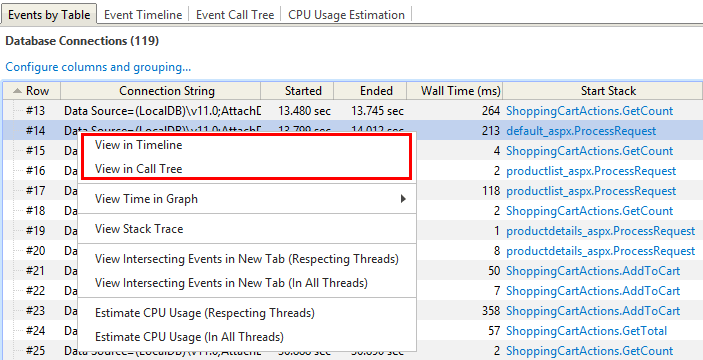
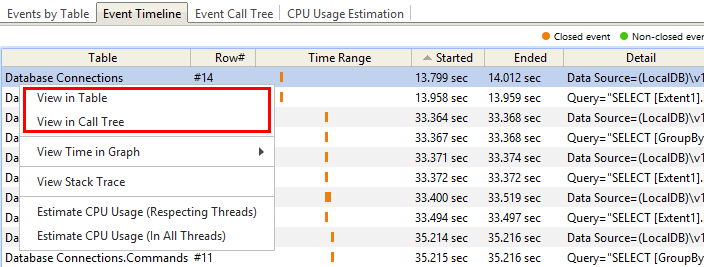
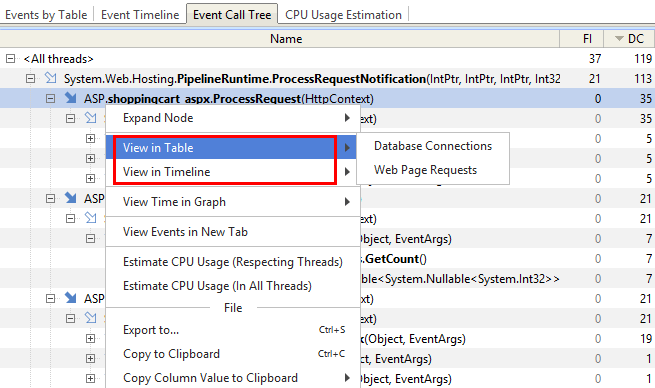
To open event(s) selected in Event table, Event timeline or Event call tree in another view, use corresponding popup menu items:
-
In "Event table":
-
In "Event timeline":
-
In "Event call tree":
Navigation from "Events" to graphs
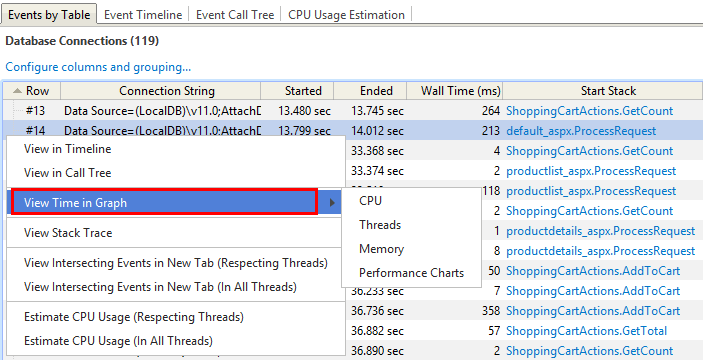
To open event(s) selected in a telemetry graph, use corresponding popup menu items: